



























Product Review
Desktronic HomePro Review – Is This Electric Standing Desk Worth It?
Is the Desktronic HomePro standing desk worth buying? Discover its dual-motor performance, stability, height adjustment, build quality, smart controls, pricing, and drawbacks in our detailed review.
Editorial rating preview. Some links may be affiliate — scores stay independent.
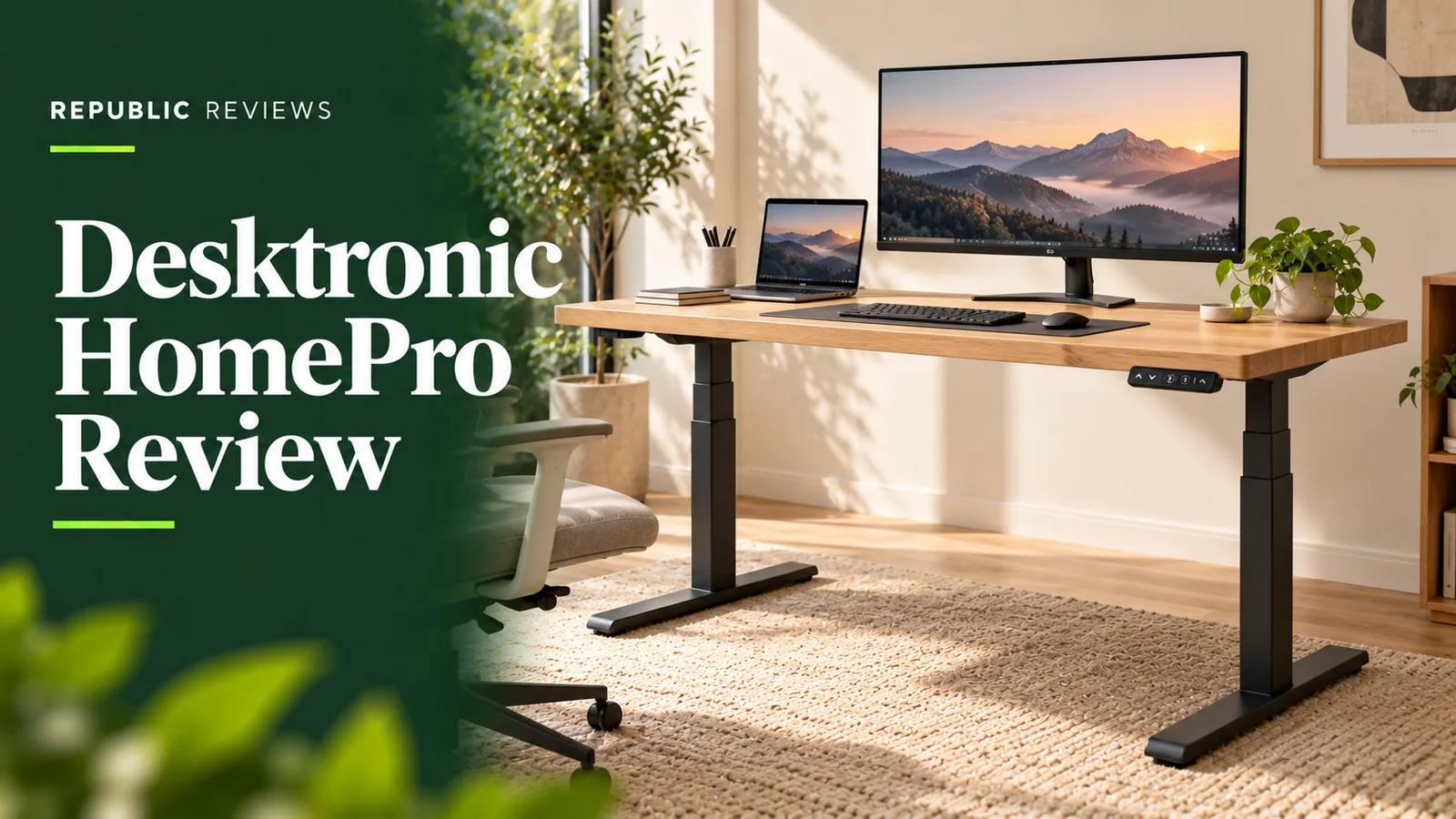
Desktronic HomePro Review: A Standing Desk Worth Investing In?
A reliable standing desk should move smoothly, remain stable, and adapt to your workspace. The Desktronic HomePro aims to deliver all three with powerful dual motors, adjustable height settings, and a sturdy steel frame.
But is it worth buying over more affordable alternatives?
Design and Build Quality
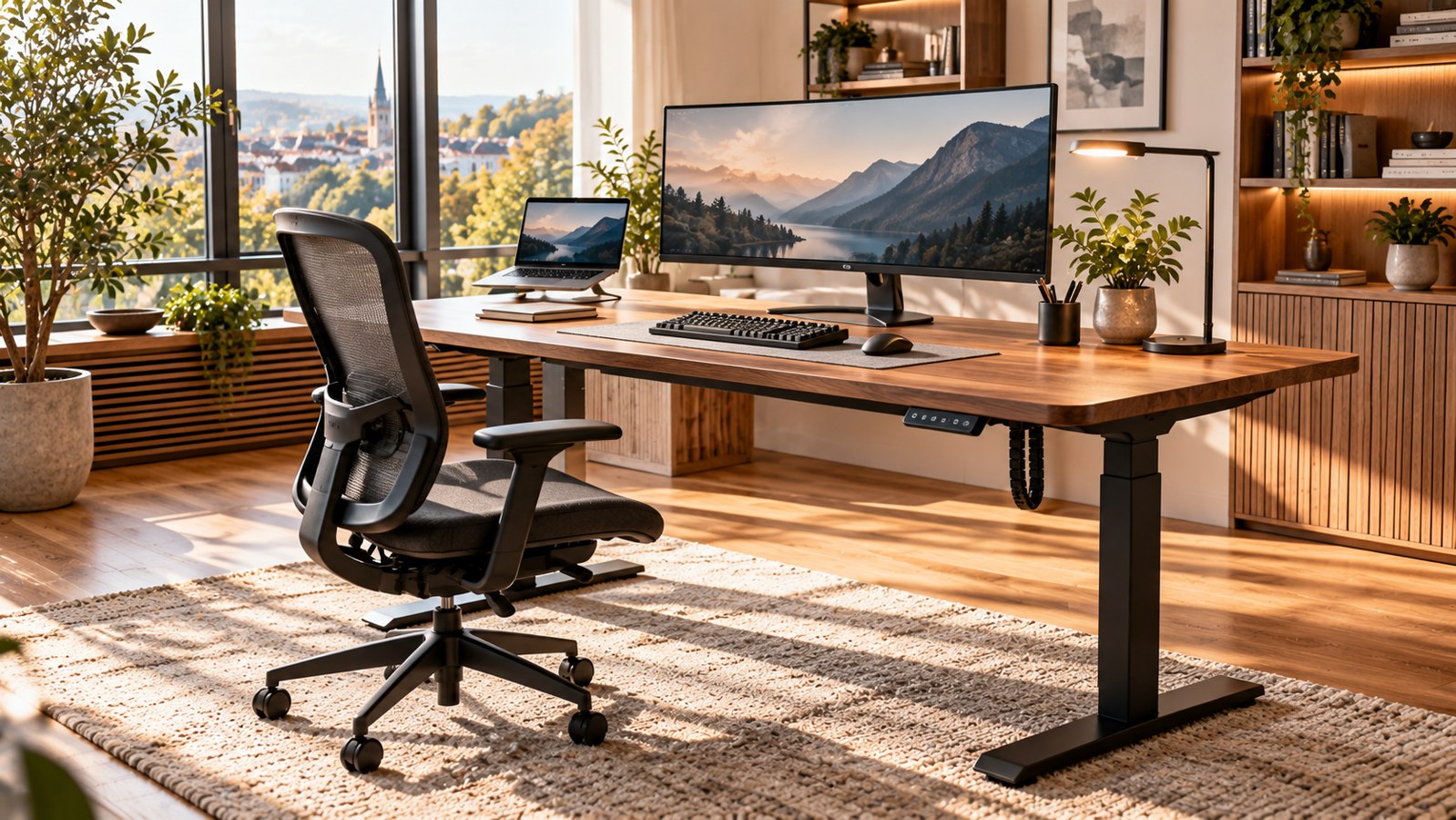
The HomePro features a reinforced steel frame with three-stage telescopic legs. Buyers can choose from different tabletop sizes, frame colors, and finishes, including laminate, bamboo, and solid wood.
Its minimalist appearance suits home offices, gaming setups, and professional workspaces.
Independent testing by COMPUTER BILD praised the desk's construction and stability, even when heavily loaded.
Height Adjustment and Performance
The dual-motor system supports up to 160 kg and offers a maximum lifting speed of 50 mm per second.
With the standard tabletop configuration, the desk adjusts between approximately 63.5 and 128 cm.
CHIP recorded impressive lifting performance, although its testers found the motors noticeably louder than some competitors.
Controls and Everyday Convenience
A touchscreen controller displays the current height and stores three preferred positions.
Integrated USB-A and USB-C ports add convenient device charging, while anti-collision protection helps stop movement when an obstruction is detected.
The desk also includes a child-lock function and adjustable height limits.
However, there's no built-in standing reminder or integrated electrical outlet.
Stability and Assembly
Stability is a major strength. COMPUTER BILD found the HomePro particularly steady, including at standing height.
CHIP also reported excellent overall stability but noticed slight movement at maximum extension.
Assembly takes approximately 40–45 minutes in independent tests, although an additional person may make installation easier.
A cable tray isn't included as standard.
Pricing and Warranty
Starting at approximately €399 during current promotions, the HomePro offers competitive specifications for a dual-motor desk.
Larger desktops, premium materials, and accessories increase the final price.
Desktronic advertises a 15-year warranty and a 30-day money-back policy, subject to applicable terms.
Final Verdict
The Desktronic HomePro is an impressive electric standing desk for people who value stability, adjustment range, and dependable everyday functionality.
Its strong construction and convenient controls make it attractive for frequent home-office use.
Our Take: A well-equipped standing desk with excellent lifting performance, although noise and missing accessories are worth considering.
Editorial disclosure: Based on manufacturer specifications and independent testing by COMPUTER BILD and CHIP. Republic Reviews has not personally tested this desk.
Pros & cons
Pros
- Dual-motor lifting system with up to 160 kg weight capacity.
- Wide height-adjustment range of approximately 63.5–128 cm.
- Strong stability and build quality supported by independent testing.
- Touchscreen controller with three memory presets, USB-A, and USB-C.
- Customizable desktop sizes and finishes with a 15-year advertised warranty.
Cons
- Motor noise was noticeably loud compared with competitors in CHIP's testing.
- Slight wobble can occur at maximum standing height.
- No cable tray included with the standard configuration.
- No built-in standing reminder or integrated AC power socket.
- Larger tabletops and optional accessories increase the final cost.
Our rating breakdown
- Build Quality & Stability 4.6 / 5
- Height Adjustment & Performance 4.7 / 5
- Controls & Everyday Usability 4.5 / 5
- Assembly & Accessories 3.9 / 5
- Value for Money 4.3 / 5
- Overall Editorial Rating 4.4 / 5
25€ Rabatt auf das gesamte Sortiment! Exklusives Angebot
View details
See the retailer site for full terms and exclusions.
Ready to shop? Explore Desktronic DE coupons
Current codes and deal links we are tracking for this store.
Frequently asked questions
Is the Desktronic HomePro standing desk worth buying?
Yes. The HomePro is worth considering for buyers who prioritize stable construction, smooth electric height adjustment, and a generous lifting capacity. COMPUTER BILD ranked it first in its October 2026 standing-desk comparison.
What is the height range of the Desktronic HomePro?
With the standard 2.5 cm riser configuration, the HomePro adjusts from approximately 63.5 cm to 128 cm. The frame itself offers a range of 61–125.5 cm without the riser.
How much weight can the Desktronic HomePro support?
Desktronic advertises a maximum lifting capacity of 160 kg. Independent testing also found that the desk performed reliably under heavy loads, although users should distribute equipment weight appropriately.
Is the Desktronic HomePro difficult to assemble?
Independent testers at COMPUTER BILD and CHIP reported assembly times of approximately 40–45 minutes. The instructions were generally straightforward, but having a second person available is advisable when handling larger tabletops.
What's the difference between Desktronic HomeOne and HomePro?
The HomePro offers stronger dual motors, a wider height range, and a higher 160 kg lifting capacity. HomeOne is the more affordable option for simpler workspaces, while HomePro is better suited to heavier equipment and demanding configurations.